Business Tools
Welcome to Calenvella.
Your business details, payments and account settings.
Welcome to Calenvella.
Create a booking experience clients love, with your own booking page, appointment management, client details and payment tools — all in one place.
Already have a Calenvella membership? Your access is determined by the status of your subscription.
Learn Calenvella step by step or message the support team.
Enable on the business owner's own device. On iPhone, first add Calenvella to your Home Screen and open it as an app.
Push alerts stay associated with the business signed in on this device.
NOT SUBSCRIBED
Appointment times follow your business time zone, including daylight saving when applicable.
Choose how clients pay your business
Manage the business account that receives client payments.
Manage payment providersLinked to the wrong Stripe account? Switch easily →
Other payment methods are available through Payment Providers, subject to verification.
Business profile
Edit owner name, contact information and optional EIN →
Customize your independent scheduling page before you subscribe.
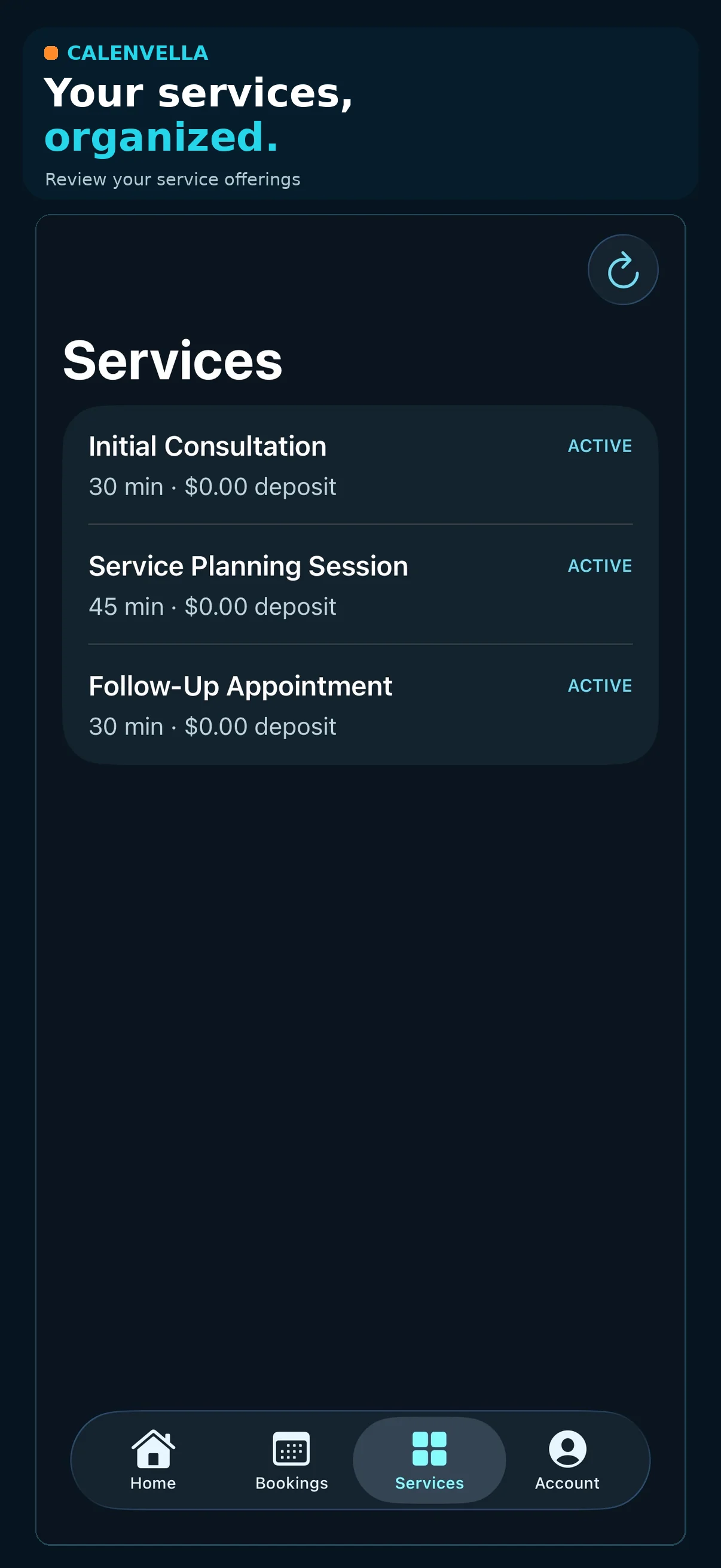
Your services
Business hours
Default: weekdays 10 AM–5 PM. Set the hours in your business time zone. Weekends can be enabled individually.
Booking questions
Ask your customers questions tailored to the service they select. Do not request sensitive taxpayer identification numbers or medical details through these ordinary booking fields.
Publish your availability
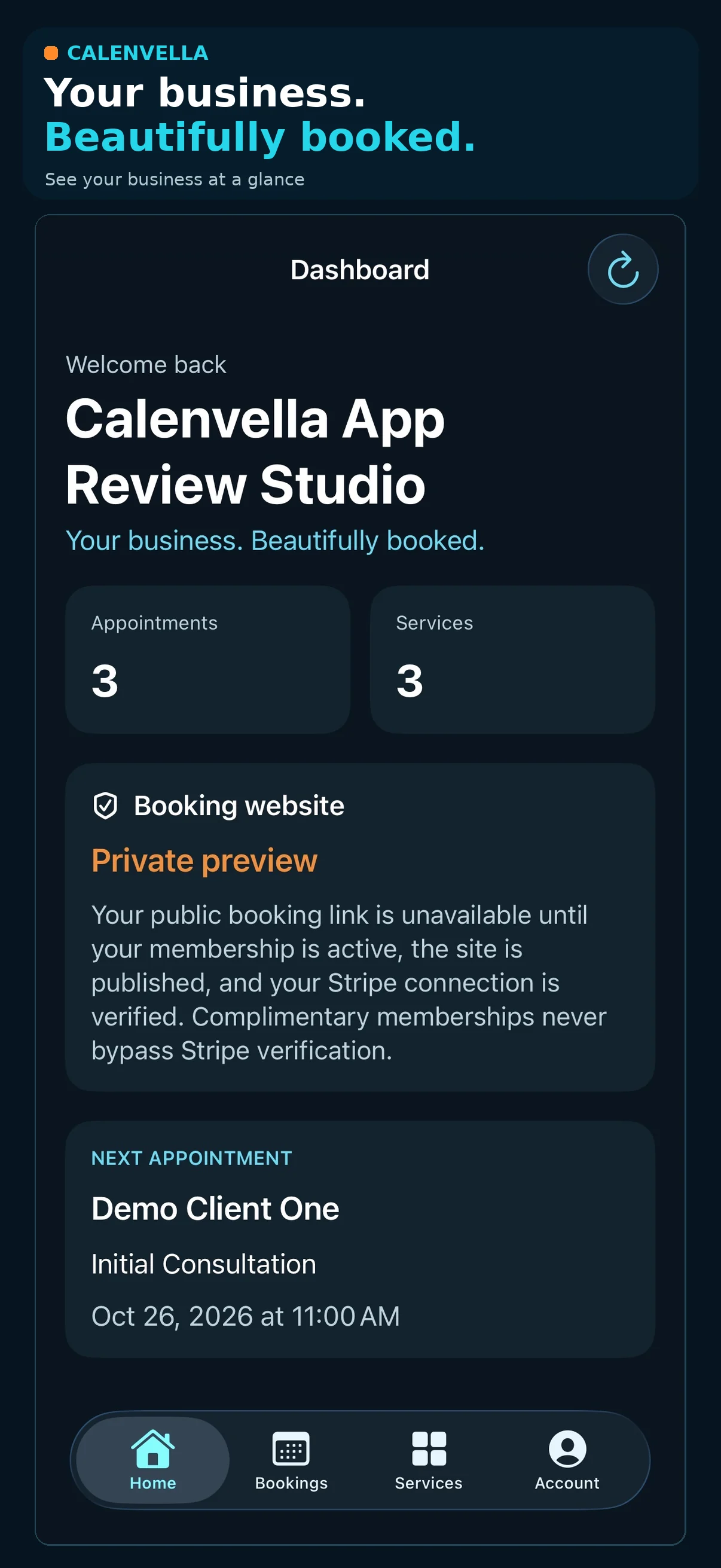
An active plan and verified Stripe Connect account are required before you can publish and accept deposits.
Payments belong to your connected Stripe account. Publishing makes this link available to anyone you share it with; you can pause new bookings at any time.
Your new business tools
Collect services into categories, offer paid add-ons, schedule lunch and buffers, and reuse questions across selected or all services. Site branding and marketing sends require Elite ($25.99/mo, plus applicable tax).
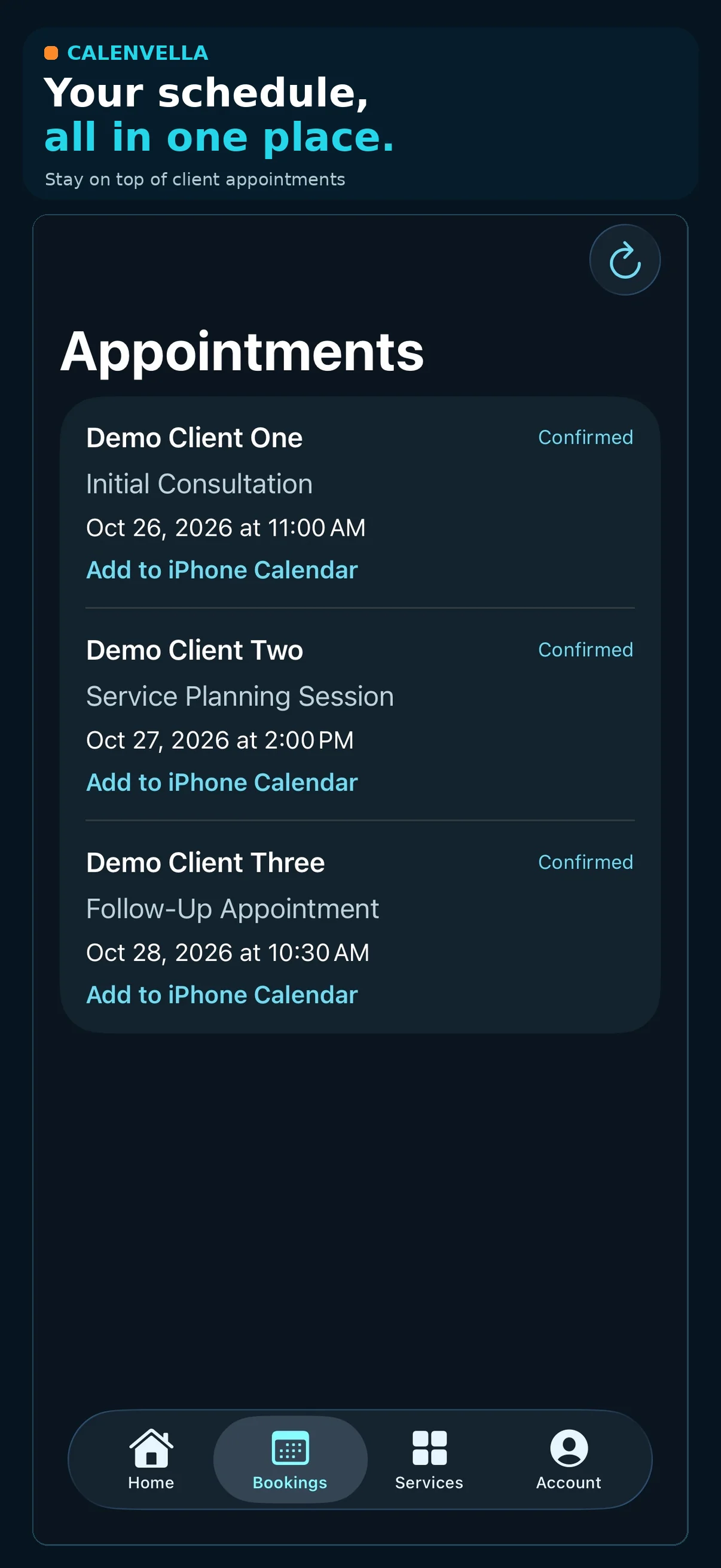
Upcoming and recent bookings
No bookings yet.
Your business payment options
Use Stripe Express, connect an existing Stripe account when available, or review PayPal onboarding status.
Manage payment providers →Connection check
View your membership payment status and account connection. This check does not make a payment or change your subscription.
Ready to check your connection.
Need employees on their own calendars? Staff & Team provides additional staff seats at $15/month per employee + applicable tax; the business owner is included. Each paid staff seat includes a personal website, booking link, individual login, staff client management and assigned calendar. Staff subscriptions are billed separately and are not eligible for the 50% membership introductory discount.
Choose a membership
Eligible first-time memberships are 50% off the first month, charged at signup. Full monthly pricing starts with the second billing cycle. Stripe Checkout confirms your total and renewal amount.
Your account is saved independently from any other business platform. After activating your membership, connect your own Stripe account, set business hours and questions, and publish your booking link. Your customers pay you directly through Stripe Connect.
Client Onboarding & Schedule C
Separate add-ons: $10.99/month for secure client onboarding, or $3.99/month for Schedule C.
View Optional Add-ons → Upgrade My Studio →Delete your Calenvella account
Request the permanent deletion of your business account. Client bookings, payments, subscriptions, and records will be reviewed before removal.
Delete Account →